How to manage your Contact list
Autogenerating contacts in your contract drafts helps you reduce errors, avoid manual data entry, and boost your productivity.
Note: Your contact list is entirely private to your individual account and cannot be shared directly within Contractbook. However, if other company users need access to the same contacts, you can save your list as an Excel sheet and share it with them outside the platform.
How to add new contacts
Follow these steps to build your private directory of Contractbook contacts:
Click on your profile icon in the top right corner of the screen.
Select Contacts from the drop-down menu.
Click on the blue Add a new contact button.
Choose the type of contact you want to create (Company or Personal).
Fill in the contact details you need for your contracts and add the new contact to the list:
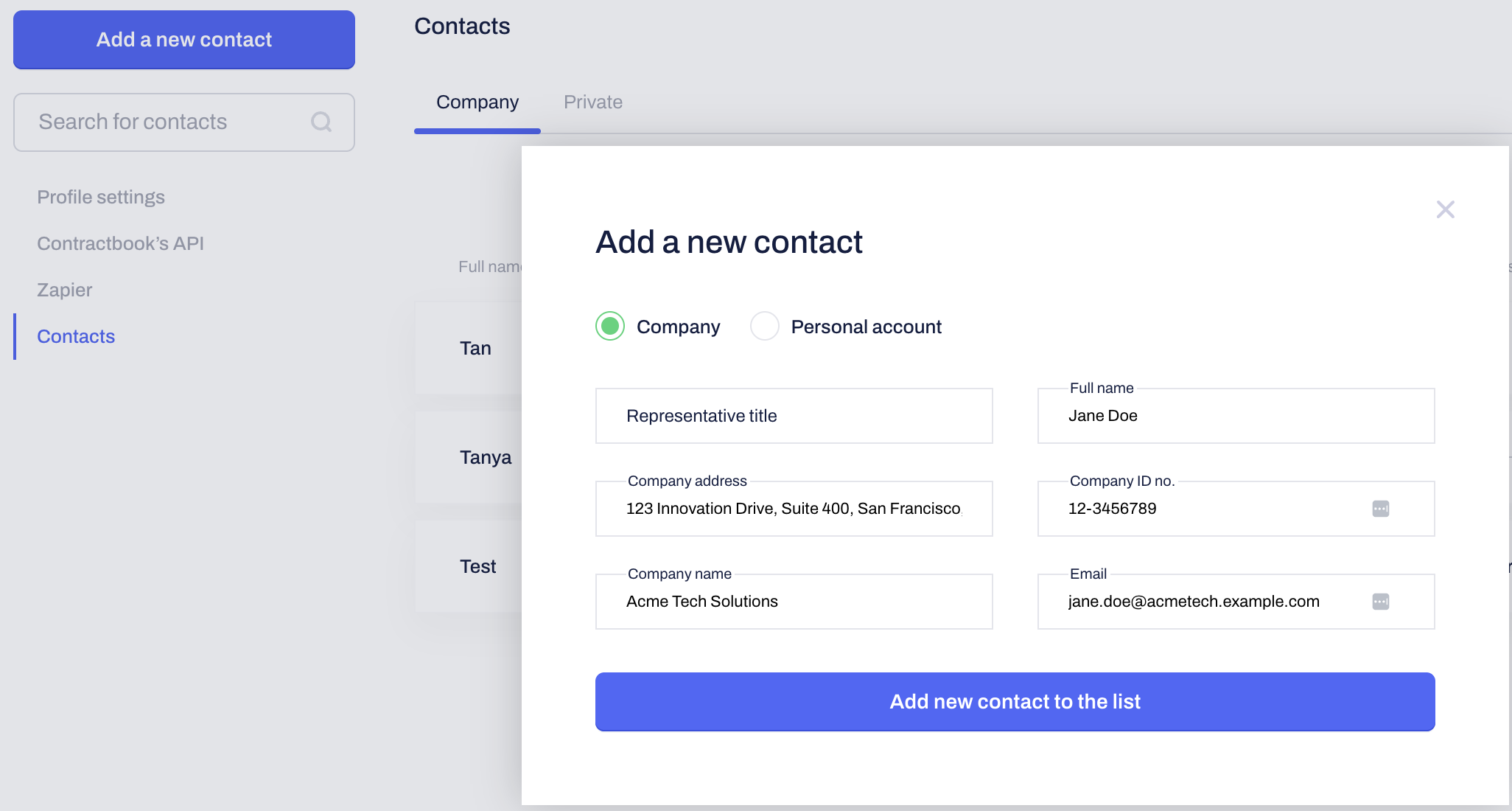
Pro-tip: A unique email address can only be associated with one contact of the same type. Remember that you can easily edit or delete existing contacts anytime directly from the Contacts overview page using the action icons on the right-hand side.
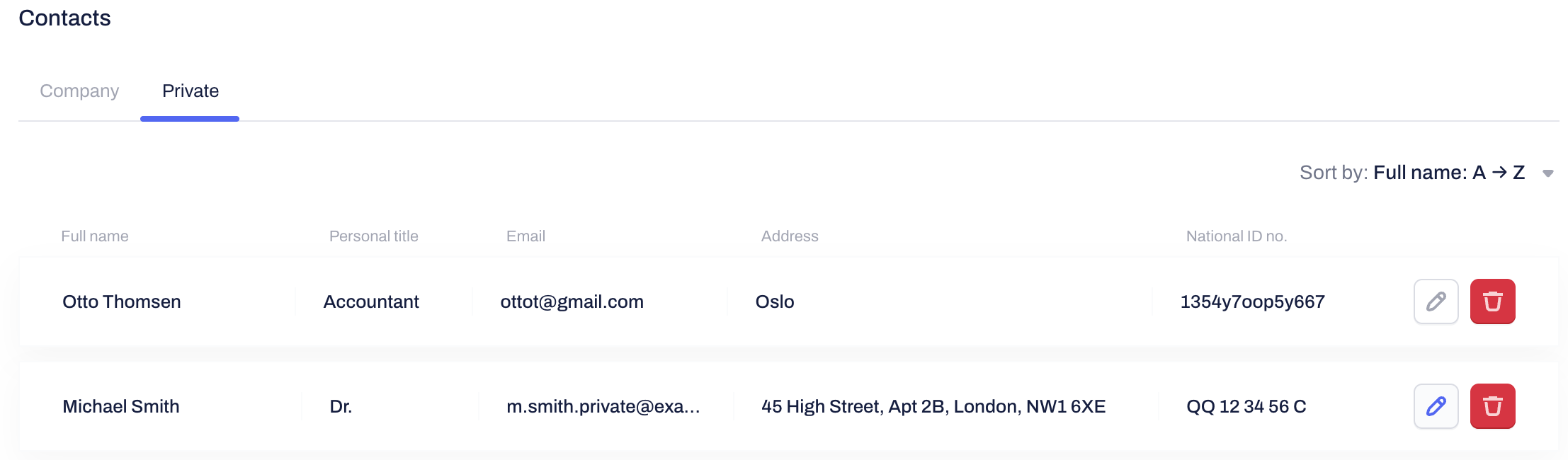
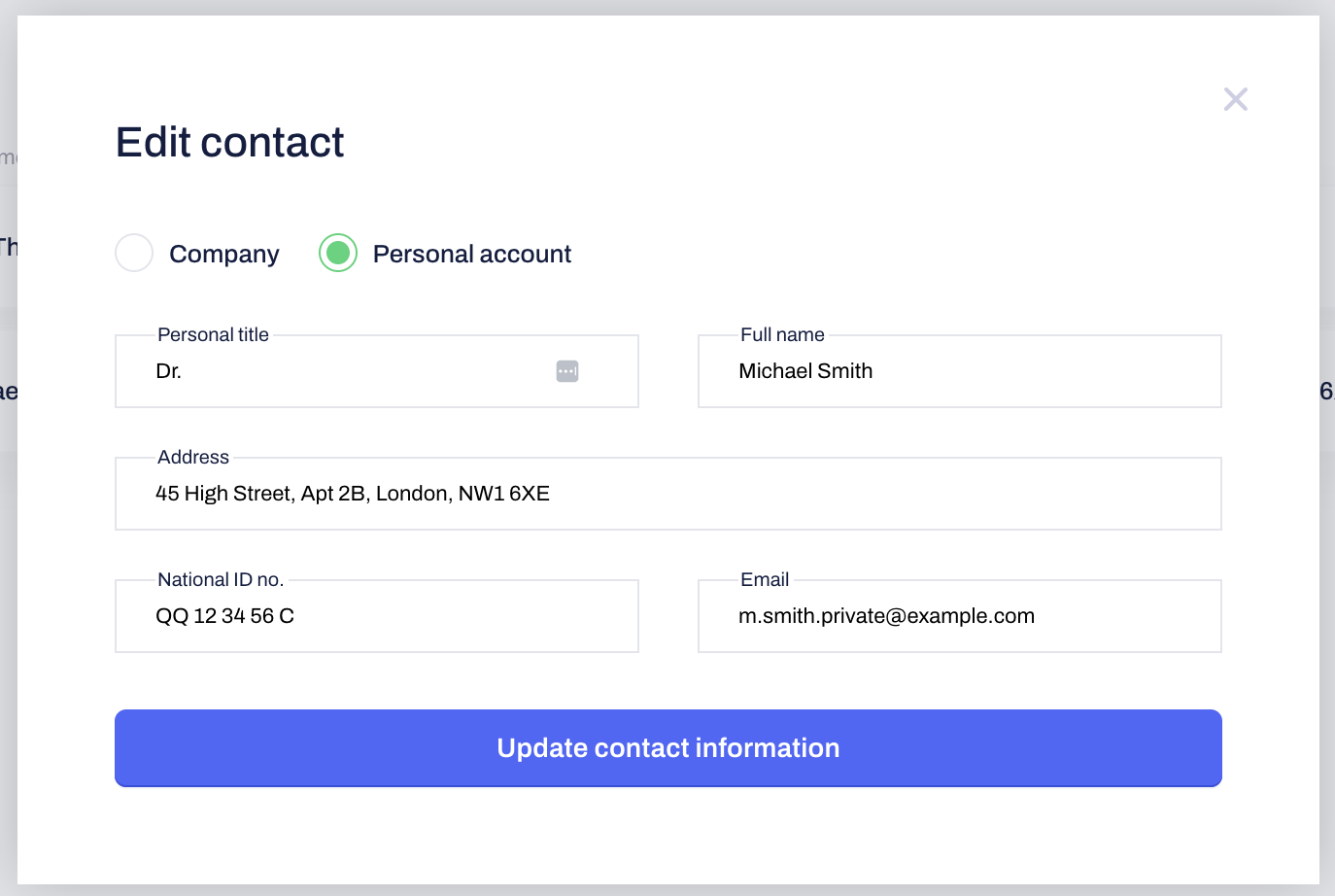
Using contacts in your contracts
By building a contact list, you create automated picklists to quickly populate the Parties and Signees fields in your contract drafts.
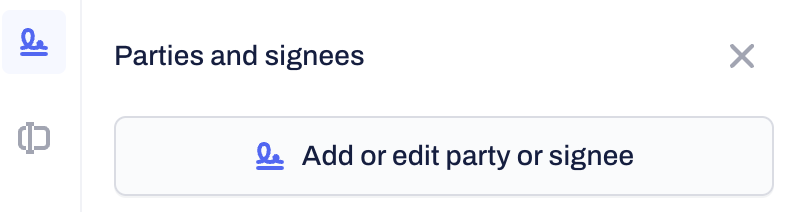
Open your contract draft.
Click on the Add or Edit Party or Signee button in the sidebar.
Click the name field within the Party or Signee section.
Select the relevant company or personal contact from the drop-down list.
Watch as all associated details (like email, address, and company registration number) automatically populate the required fields.
Confirm by clicking Save:
Related Articles
Was this article helpful?
That’s Great!
Thank you for your feedback
Sorry! We couldn't be helpful
Thank you for your feedback
Feedback sent
We appreciate your effort and will try to fix the article