How to manage your notification settings
Customize your email and in-app notifications to stay updated on your contract workflows. Note that you can only configure notifications for your own account, not for your teammates.
Where to find advanced notification settings
Click your profile icon in the top right-hand corner.
Select Profile settings from the drop-down menu.
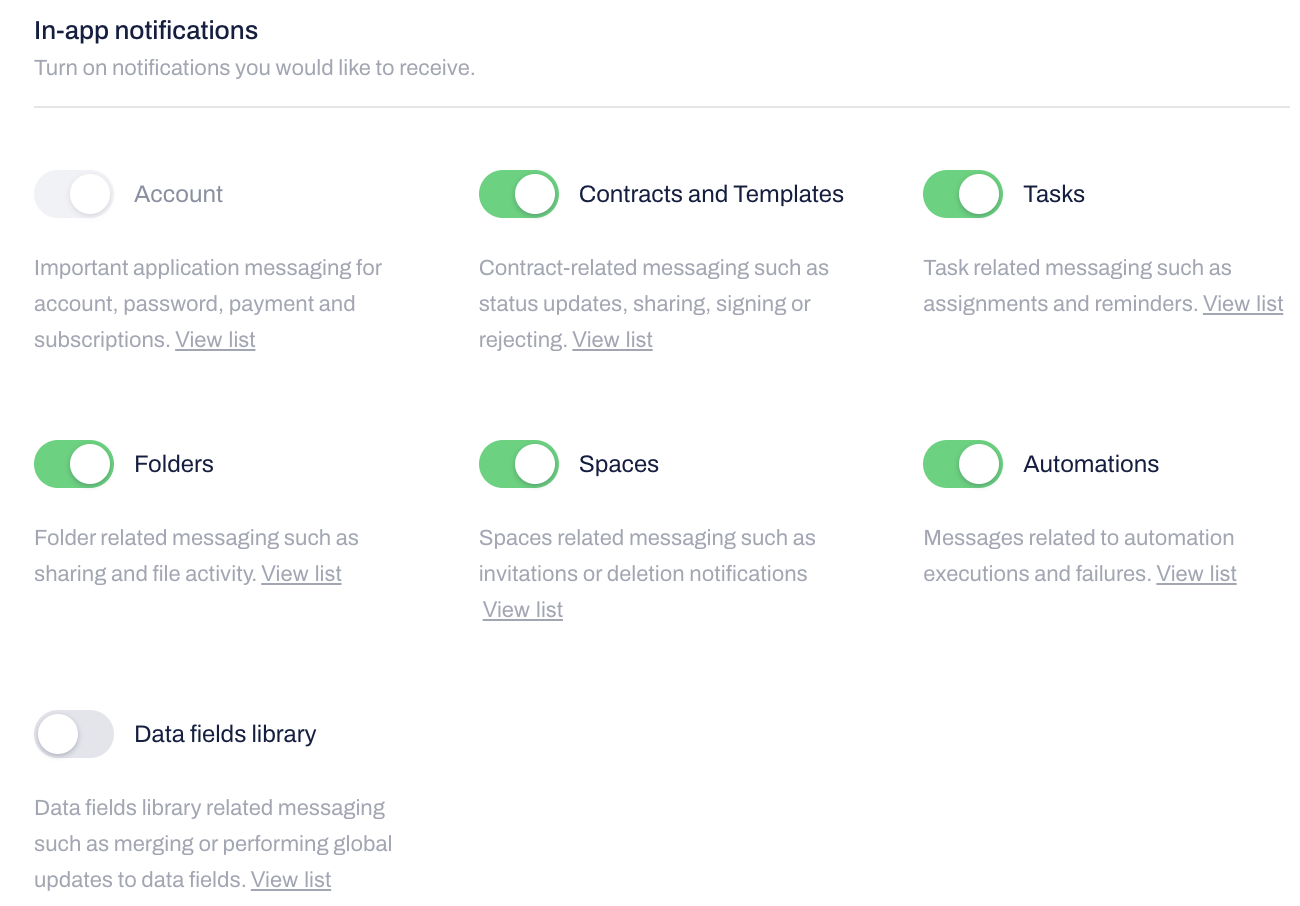
Use the Notifications section to review and edit your email and in-app preferences.
Toggle the specific alerts you want to receive. Changes apply immediately without needing to save.
You can click View list to see the exact actions that trigger each category:
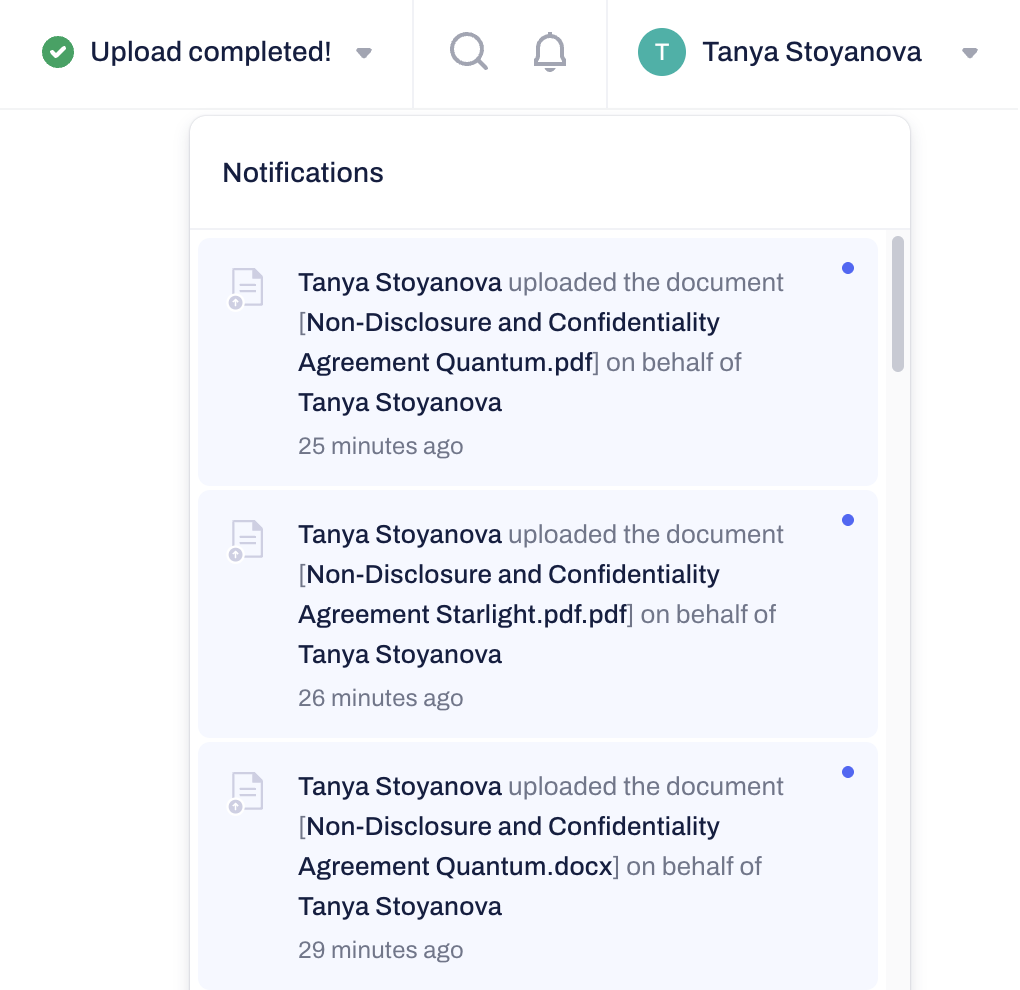
To review your recent in-app notifications, click on the bell icon in the top menu:
Managing Recipient Notifications
You cannot disable or enable notifications for your contract recipients, teammates, or collaborators. They must manage their own preferences within their individual profile settings.
Related Articles
Was this article helpful?
That’s Great!
Thank you for your feedback
Sorry! We couldn't be helpful
Thank you for your feedback
Feedback sent
We appreciate your effort and will try to fix the article