How to delete or deactivate your Contractbook profile
Manage your account status depending on whether you have a free private profile or a paid company profile.
How to delete a free profile
If your account is not connected to a paid subscription, you can delete it directly from your profile settings:

Navigate to your Profile settings.
Scroll to the bottom of the page and click Delete account.
If you have fully signed contracts, a notification will prompt you to download them. Ensure you save any important documents before confirming:
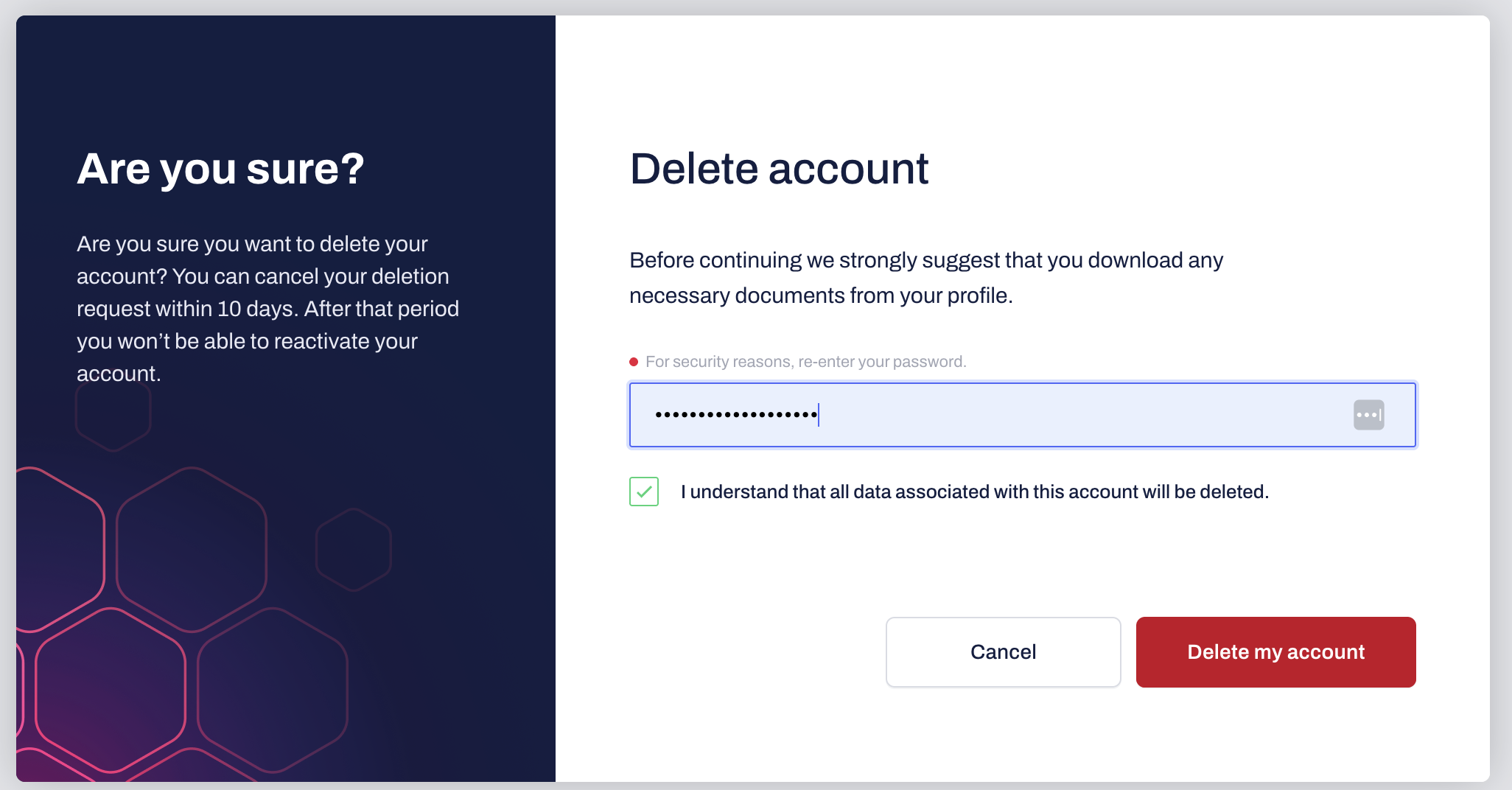
Confirm the deletion. Once clicked, your account deactivates immediately, but you have ten days to revoke this decision by contacting our Support team before permanent removal.
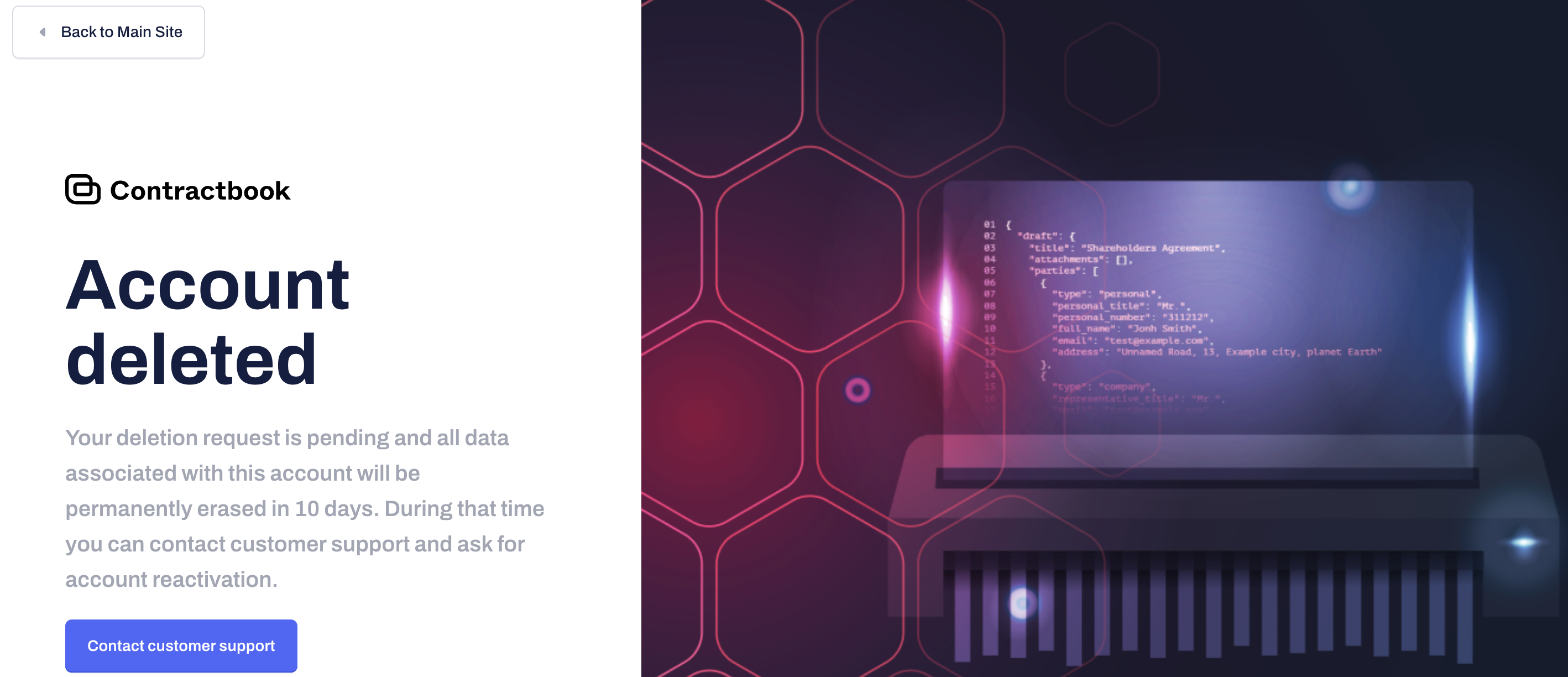
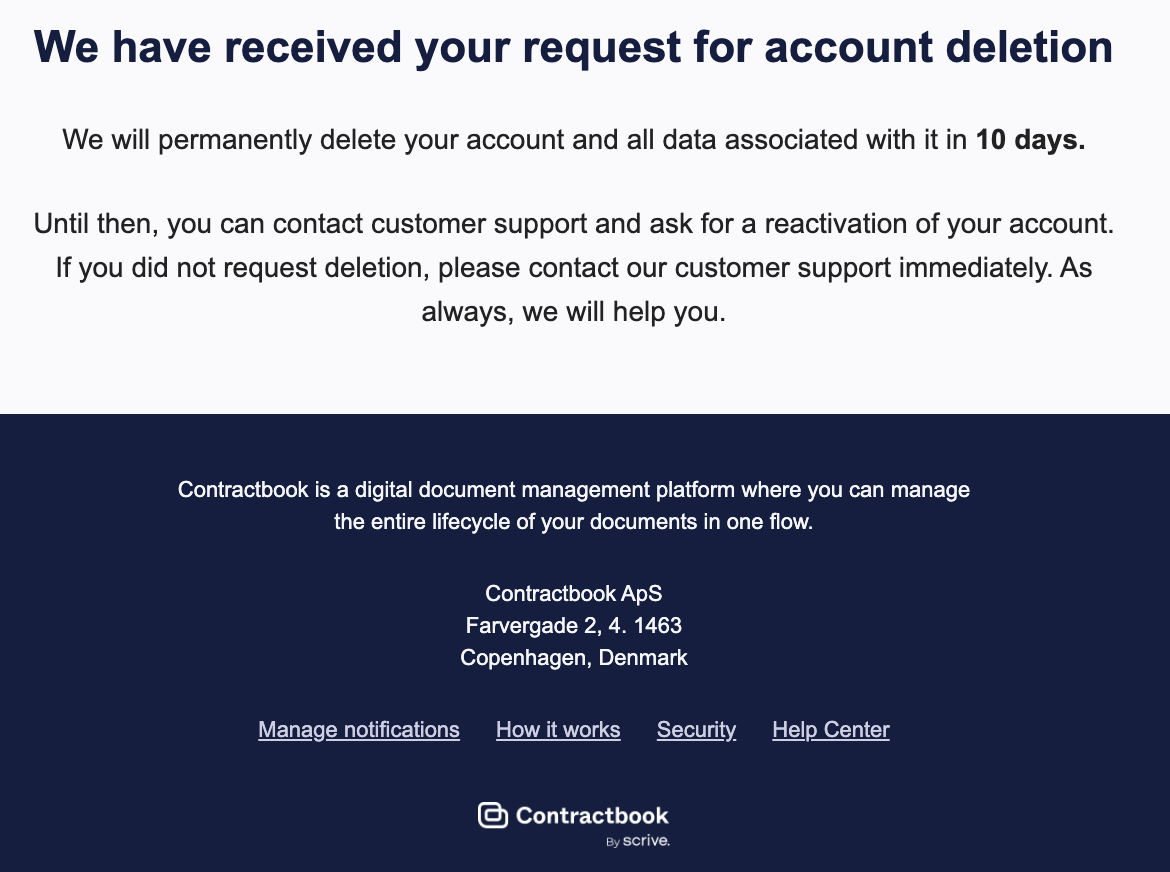
You will immediately receive an email notification confirming the deletion action:
How to deactivate a company (paid) profile
Profiles connected to a paid company subscription cannot be deleted entirely, as free accounts can.
Instead, Company Users with Manage Users admin permissions can deactivate the profile.
Why deactivation? Deactivating a user ensures the company retains access to all documents and templates created by that person.
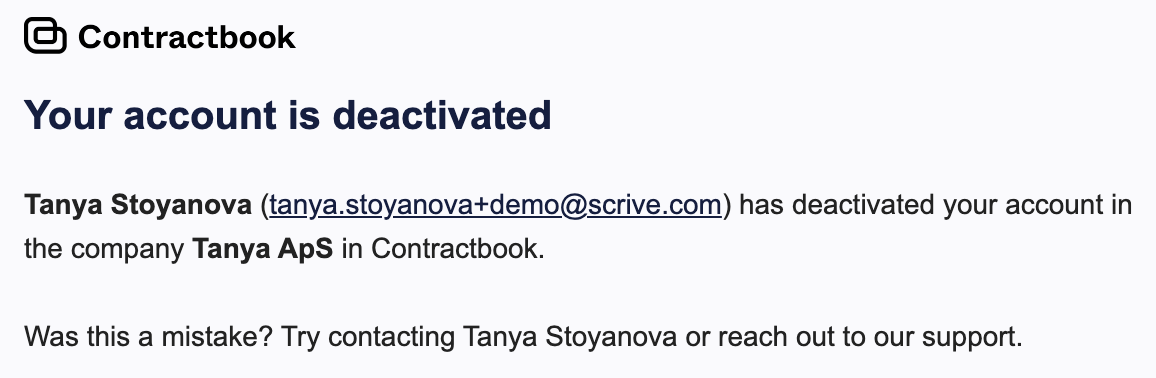
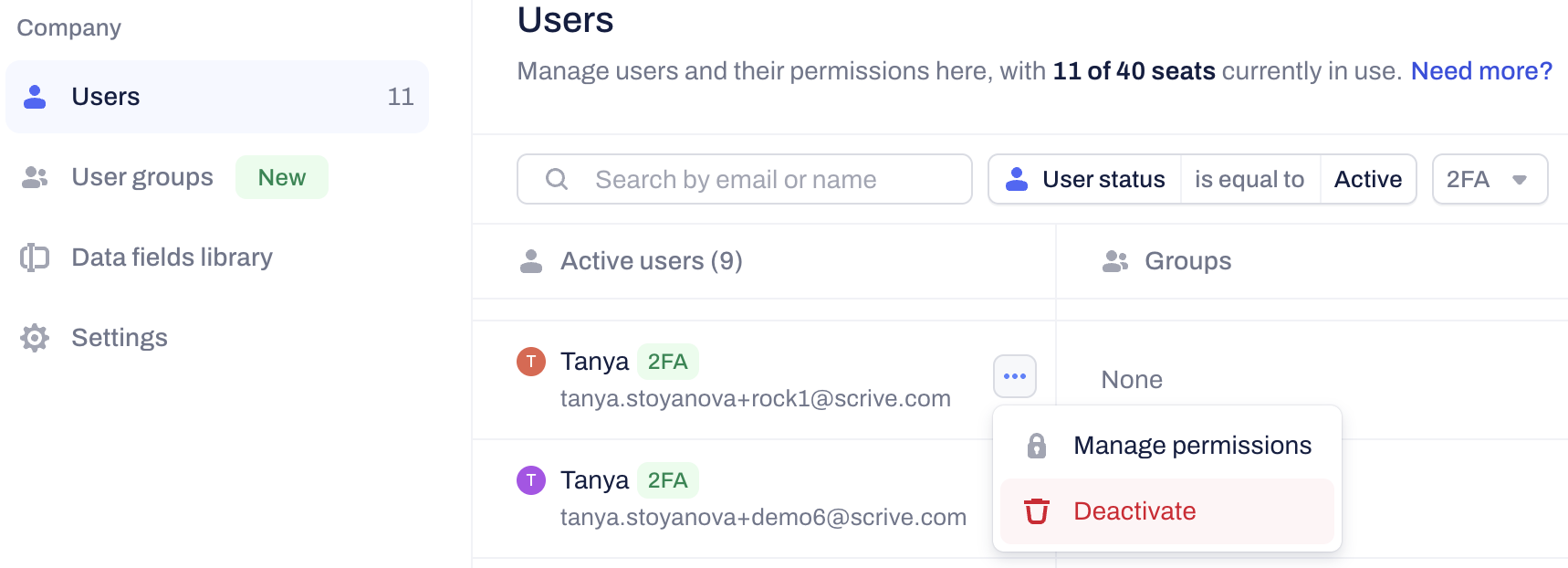
What happens? The deactivated user can no longer access the account, and they will no longer occupy a paid seat in your company's plan:
How to do it: Admin users with "Manage users" permissions can deactivate active users directly from the Users functionality panel in their profile settings:
How to reactivate a deactivated user
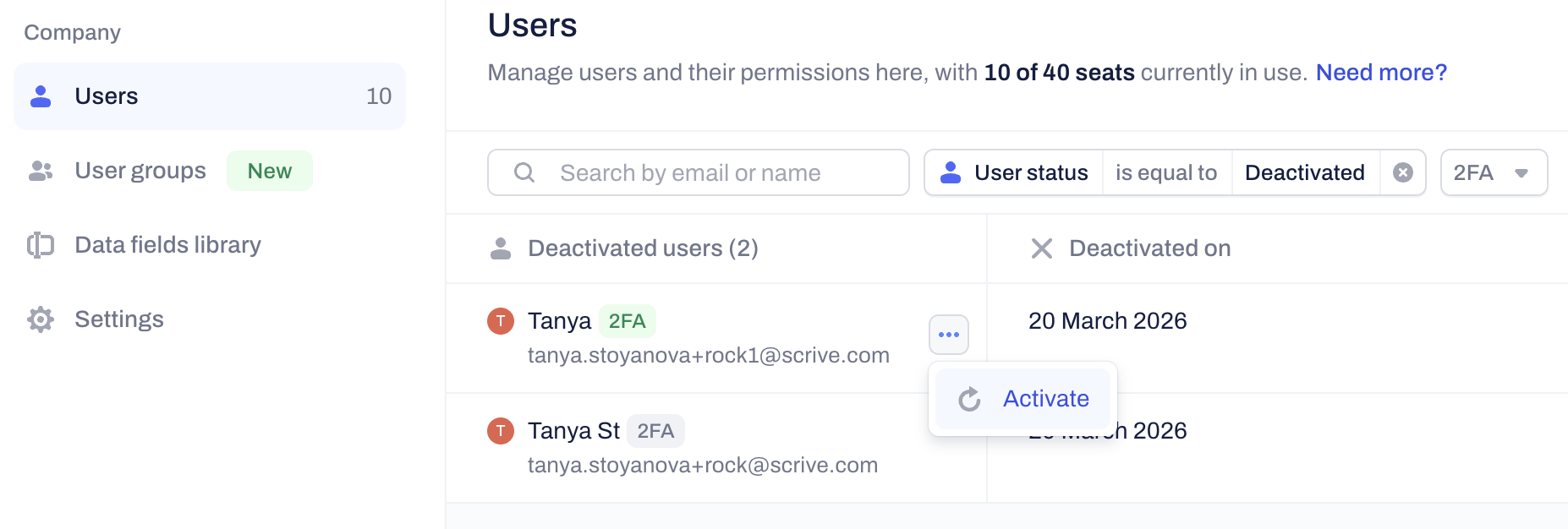
If a deactivated company user needs access again, admins with Manage Users permissions can easily restore their profile:
Navigate to the Users functionality panel in your admin settings.
Locate the deactivated user in your account list by using the filter options at the top.
Select the option to Activate their account again:
Note: Reactivating a user will immediately assign them an active paid seat in your company's subscription. Ensure you have an available seat before completing this action. Contact our Support team or your CSM if you need additional seats.
Logging in with a deactivated or deleted account
When an email address is no longer active, the login experience changes based on the account type:
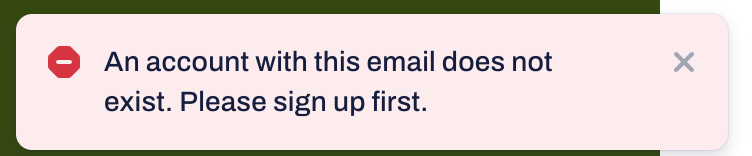
Deactivated Company Users: Attempting to log in will trigger an error message stating the account is inactive. The user must contact their company's internal Contractbook Admin to request reactivation.
Deleted Private Users: Access is immediately blocked upon deletion. If the user tries to log in within the 10-day revocation window, they must contact the Contractbook Support team to cancel the deletion and restore the account. After 10 days, the account is permanently erased.
Related Articles
Was this article helpful?
That’s Great!
Thank you for your feedback
Sorry! We couldn't be helpful
Thank you for your feedback
Feedback sent
We appreciate your effort and will try to fix the article