Note: You must have the Manage company settings and Manage subscription permissions enabled on your account to edit these features.
Manage company details & logo
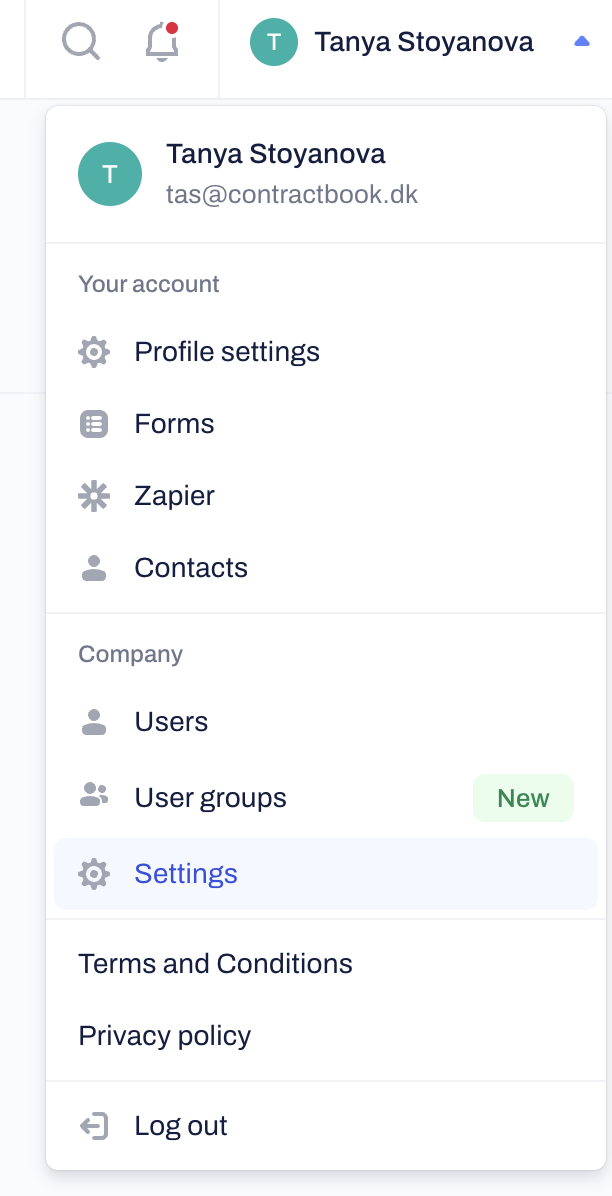
Click on your name/profile in the top right corner and select Settings from the menu.
Upload your Company logo. This logo automatically appears on all company contracts, templates, and emails:
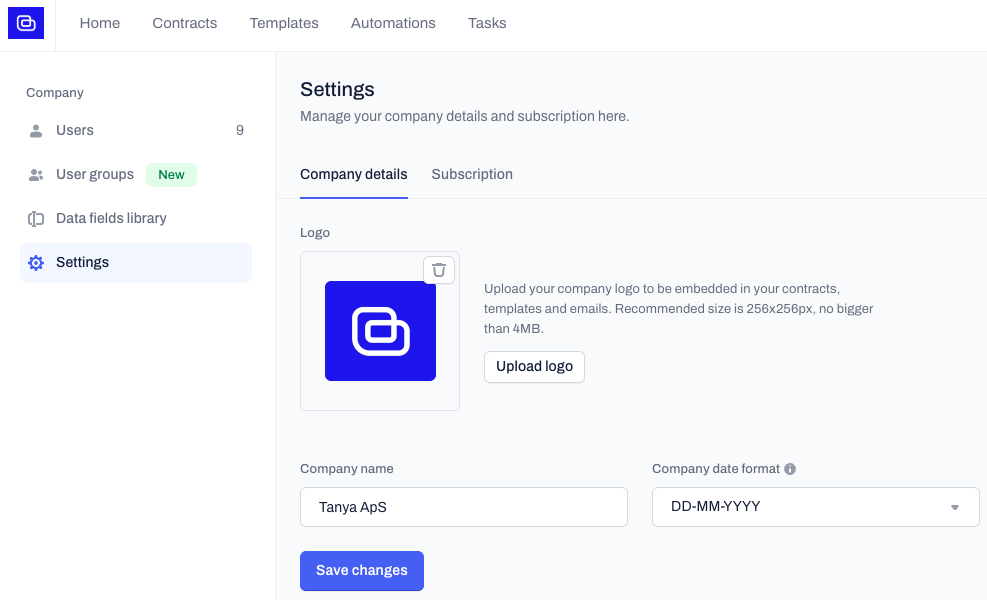
Update your Company Name.
Select your Company Date format. This format is the default one across all Date-type data fields in your company's contracts, templates, and AI imports:
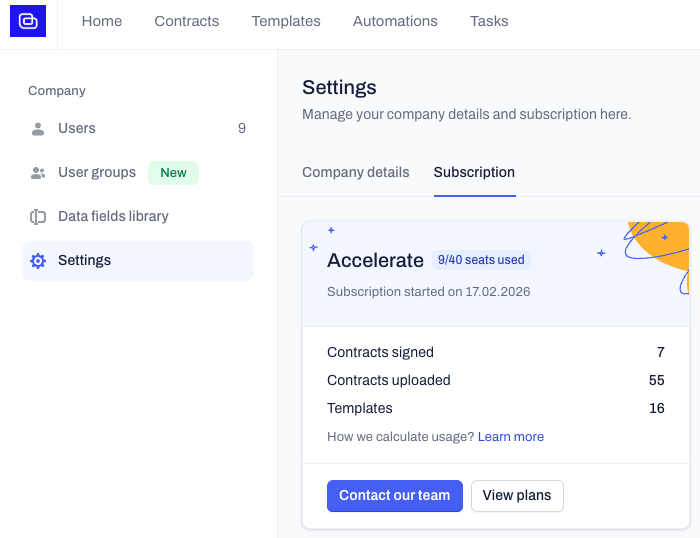
Monitor your account usage and available resources
Navigate to the Subscription tab within the Settings page.
Review your current subscription type and overall usage details.
Related Articles
Was this article helpful?
That’s Great!
Thank you for your feedback
Sorry! We couldn't be helpful
Thank you for your feedback
Feedback sent
We appreciate your effort and will try to fix the article